 SiPhotoEditor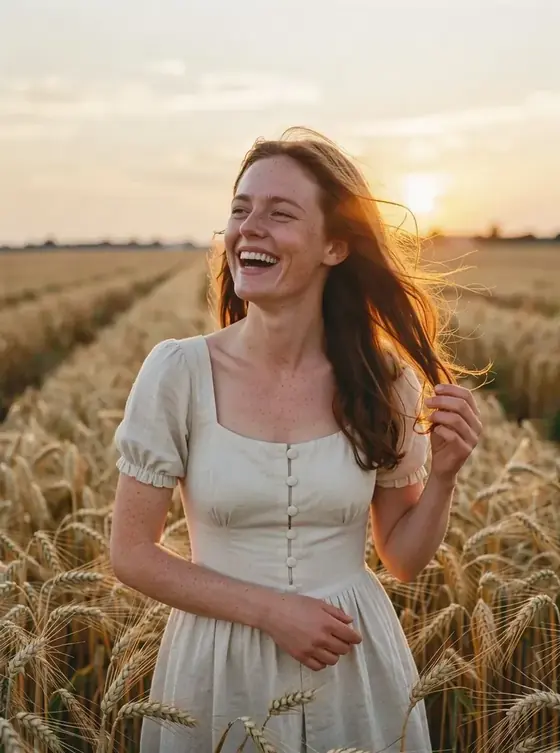
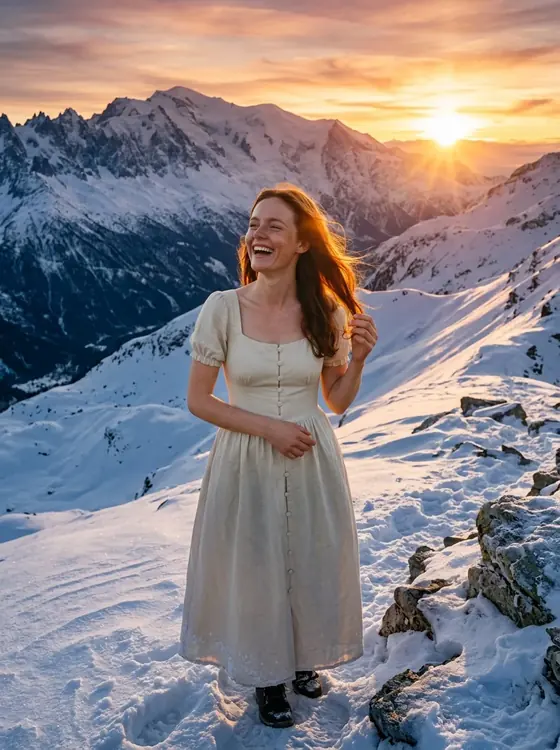
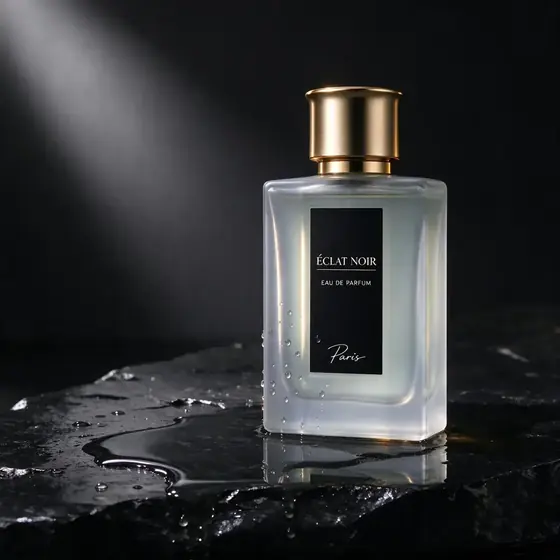
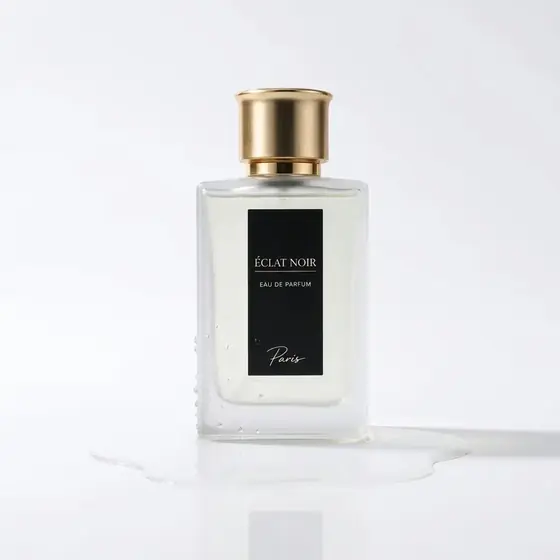


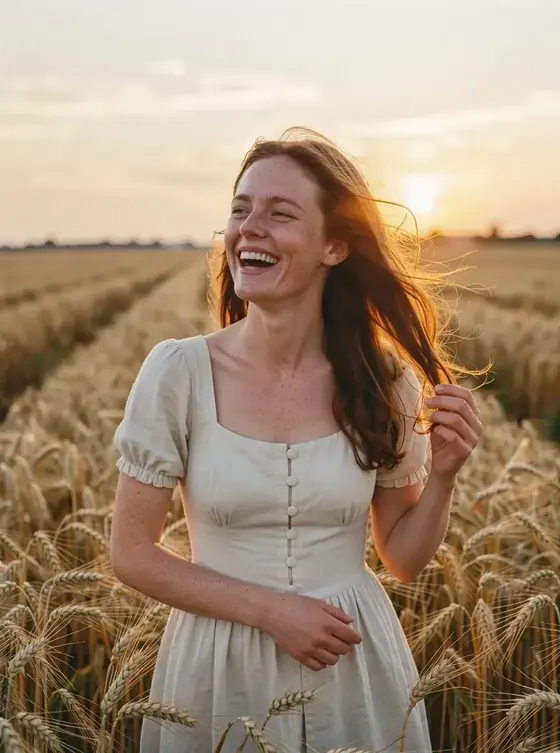

How the SI photo editor works
- Upload a photo. Drag it in or pick it from your device. Your browser strips location data before it leaves your phone or computer.
- Describe the change. Tap a quick edit such as “White background” or “Golden hour light”, or write your own instruction in plain words.
- Compare and continue. Drag the slider to compare before and after, download the result, or keep editing it with another instruction. Every version stays in your recent edits.
What you can change
- Backgrounds: put a person or product anywhere, or remove the background for a clean white studio look.
- Clothes and colors: try another jacket, dress or color without a new photo shoot.
- Light, weather and season: golden hour, a rainy evening, fresh snow or a bright summer day.
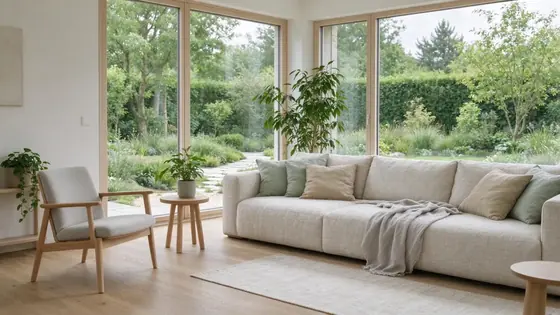
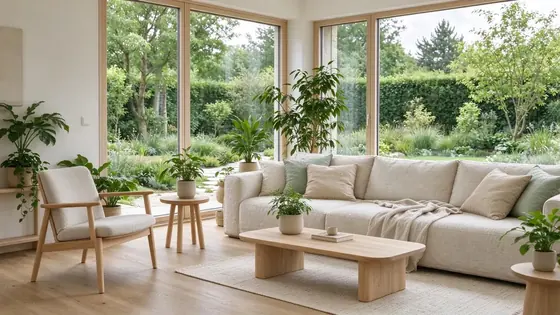
- Rooms and spaces: restyle an interior, add plants and furniture, or preview a new paint color.
- Old and damaged photos: remove scratches and noise, fix faded colors and sharpen details.
- Styles: turn a photo into an anime illustration, a watercolor or a vintage film look.
Which model to use for which edit
The SI photo editor gives you several editing models from one balance. A quick guide:
| Model | Best for | Credits per edit |
|---|---|---|
| Nano Banana 2 | Changing backgrounds or clothes while the face stays exactly the same | 48 |
| Seedream 5 Flash | Quick, low-cost edits and restyling a whole scene | 17 |
| Qwen Image 3 | Light, weather and small object changes | 24 |
| GPT Image 2.5 | Long, multi-step instructions and edits involving text | 54 |
| Nano Banana Pro | Final versions where fine detail matters most | 90 |
| Flux 3 | Photoreal product and portrait retouching | 29 |
How to write an edit instruction
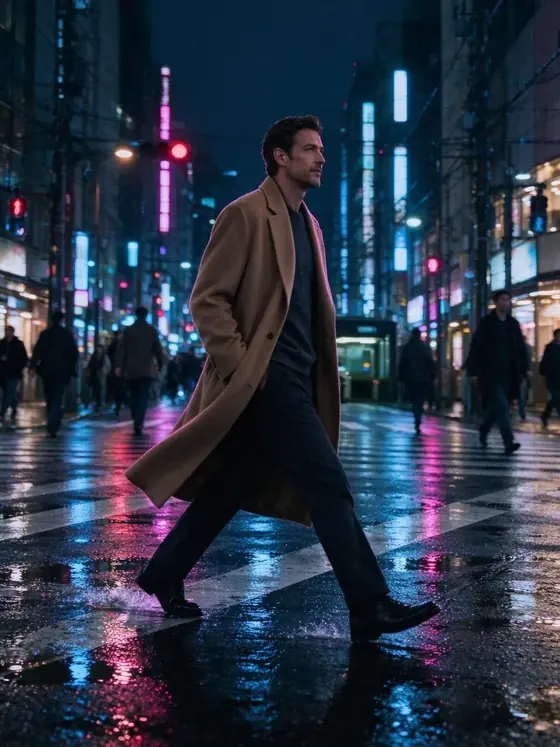
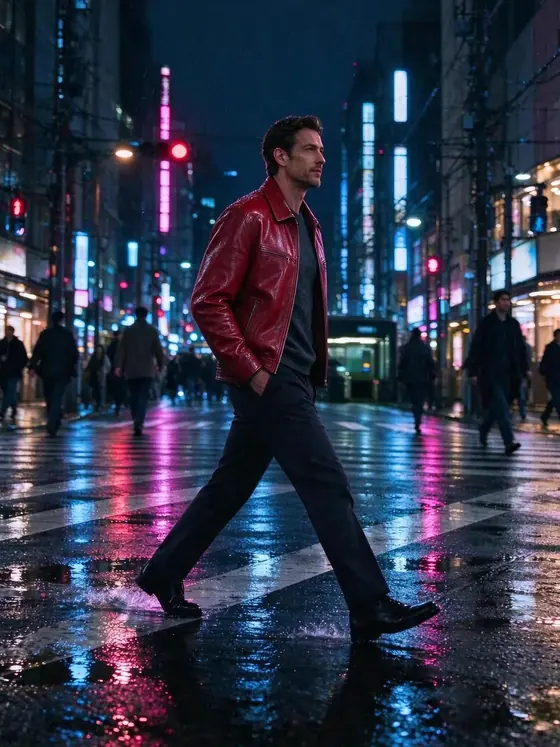
Edit models do best with two parts: what should change and what must stay. “Change the jacket to red leather” works; “Change the jacket to red leather, keep his face, pose and the street exactly the same” works better, because the model knows where not to touch. Name colors and materials, describe the light by its source (“low sun from the left”), and make one big change per edit. For several changes, edit in steps with “Keep editing this result”, which also makes it easy to undo a step you do not like.
Quick edits you can use in one tap
The editor has ready-made instructions for the most common jobs, written the way edit models understand best. Each one names the change and spells out what must stay the same, so you can press it and get a clean result without writing anything:
- White background: Replace the background with a clean, plain white studio background. Keep the subject exactly the same, with natural soft shadows.
- Beach background: Change the background to a sunny tropical beach with turquoise water. Keep the person, pose, face and clothes exactly the same and match the lighting.
- Pro headshot: Turn this into a professional headshot: neat business attire, soft studio lighting, neutral grey background. Keep the face and identity exactly the same.
- Golden hour light: Relight the photo as warm golden-hour sunlight from the side, with soft long shadows. Keep everything else unchanged.
- Remove background people: Remove the people in the background and fill the space naturally. Keep the main subject and the scene unchanged.
- Restore old photo: Restore this old photo: remove scratches, dust and noise, fix faded colors and sharpen details, while keeping it faithful to the original.
- Anime style: Redraw this photo as a hand-drawn anime illustration with clean line art and soft cel shading. Keep the composition and the people recognizable.
- Make it winter: Make the scene winter: fresh snow on the ground and surfaces, light snowfall, cool daylight. Keep the people and objects the same.
Quick edits are also a good starting point for your own wording. Pick one, then change a detail in the text box — “a rainy Paris street” instead of “a tropical beach”, for example — before you apply it.
Your photos and your rights
Photos you upload are used only to make your edits. Uploads are deleted automatically after 30 days, results stay until you delete them, and we never use your photos to train models. Only edit photos you own or have permission to use, and do not make misleading or intimate images of real people. The privacy policy and terms of service explain the details.
Pricing in short
The SI photo editor runs on credits with no subscription. An edit costs between 17 and 90 credits depending on the model, the price is shown before you press the button, and failed edits are refunded. See the SI photo editor pricing page for packs and examples. Need a brand-new picture rather than an edit? Our sister site, the SI image generator, creates images from scratch.
Questions about the SI photo editor
What is an SI photo editor?
SI stands for super intelligence, the term the US government adopted in September 2026 for what used to be called AI, so an SI photo editor is the same thing as an AI photo editor. It changes an existing photo from a written instruction, so you edit by describing the result instead of using brushes and layers.
Is the SI photo editor free?
New accounts that continue with Google get 80 free credits — enough for 4 edits with Seedream 5 Flash. After that, packs start at $9.90 for 1,100 credits. There is no subscription and no watermark, and it all runs online in your browser with no app to install.
Will the edit change the person’s face?
Say what must stay the same, for example “keep her face and hair exactly the same”. In our tests Nano Banana 2 was the most reliable at keeping a face the same. If a result drifts, use the original again rather than editing the edit.
Which photos can I upload?
JPG, PNG or WebP up to 10 MB. Your browser resizes very large photos to 2048 pixels and removes hidden metadata such as GPS location before uploading. Only edit photos you own or have permission to use.
What happens if an edit fails?
If the model errors out or its safety filter blocks the result, the edit is marked as failed and the credits go straight back to your balance.
Questions or ideas for new quick edits? Email support@siphotoeditor.com.